
CONPS Stories
Record your story about the CONPS for our 50th Anniversary!Submission Instructions
Before you begin, make sure your device’s microphone is enabled.
Then, follow the prompts to record and send your message.
Recording Your Story – 2 Steps
- #1: FILL IN THE FORM, To let us know who is submitting a recording. Don’t submit the form yet.
- #2: RECORD YOUR MESSAGE. Click ‘Record Your Message – Start!‘ to start the recording.
- Please state your FULL NAME at the start of your message.
- Please keep the message to 5 minutes or less.
If your voice is being recorded successfully, you will see variations in the recording line, much like this:
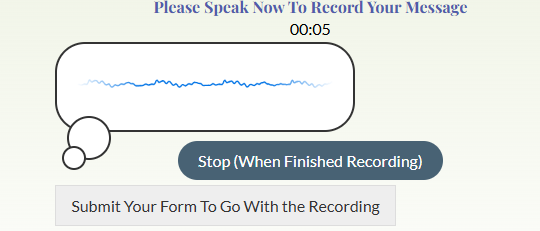
Done recording?
- Choose ‘Stop (When Finished Recording)‘
- Then choose ‘Send Your Recording to the CONPS Team‘. That will send the recorded message.
- FINAL STEP! Submit the form to go with it with your name and contact information.
You’re all done! Thank you for sharing your experiences with the Colorado Native Plant Society!